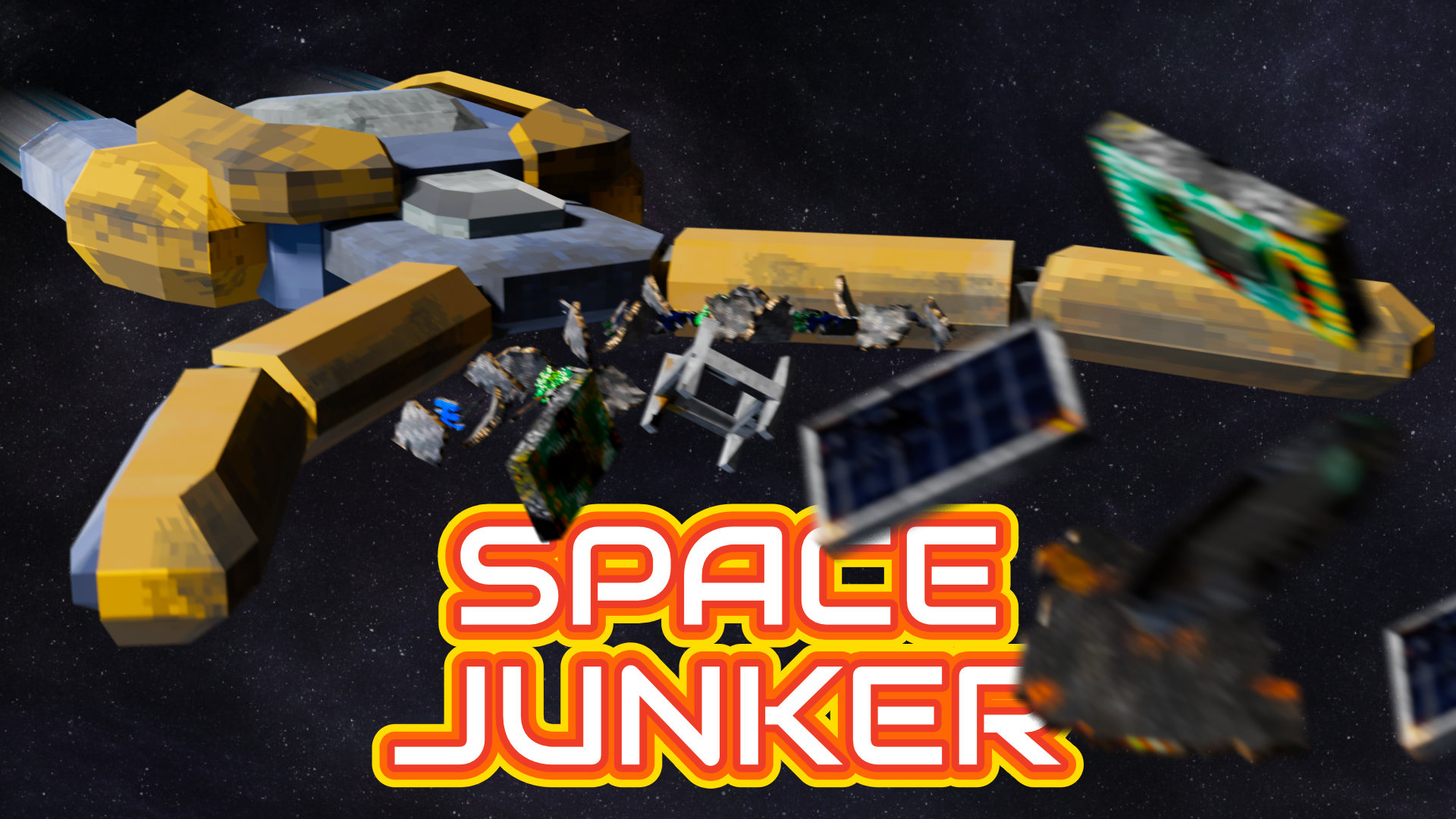
Space Junker
A downloadable game for Windows and Linux
Description
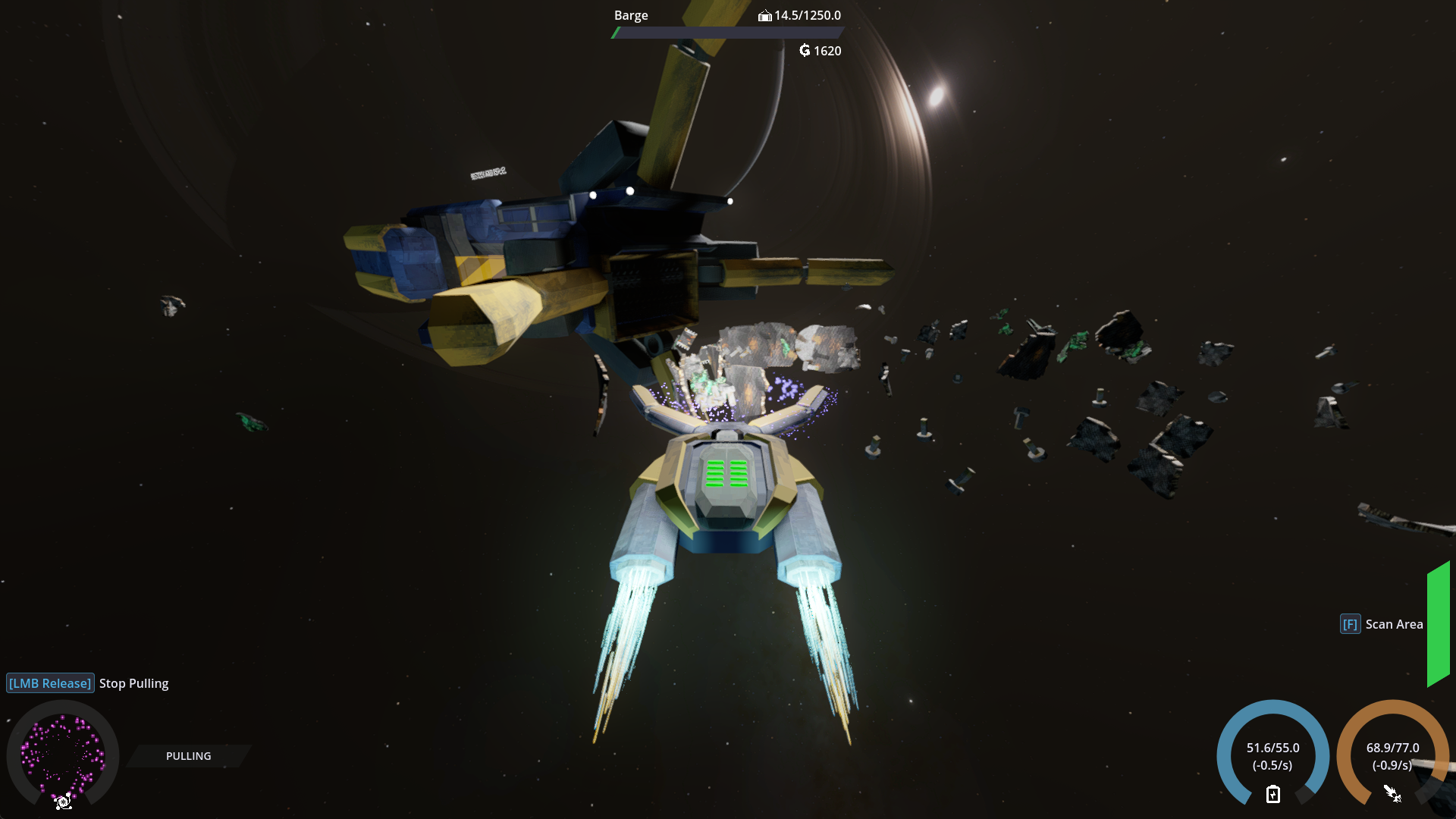
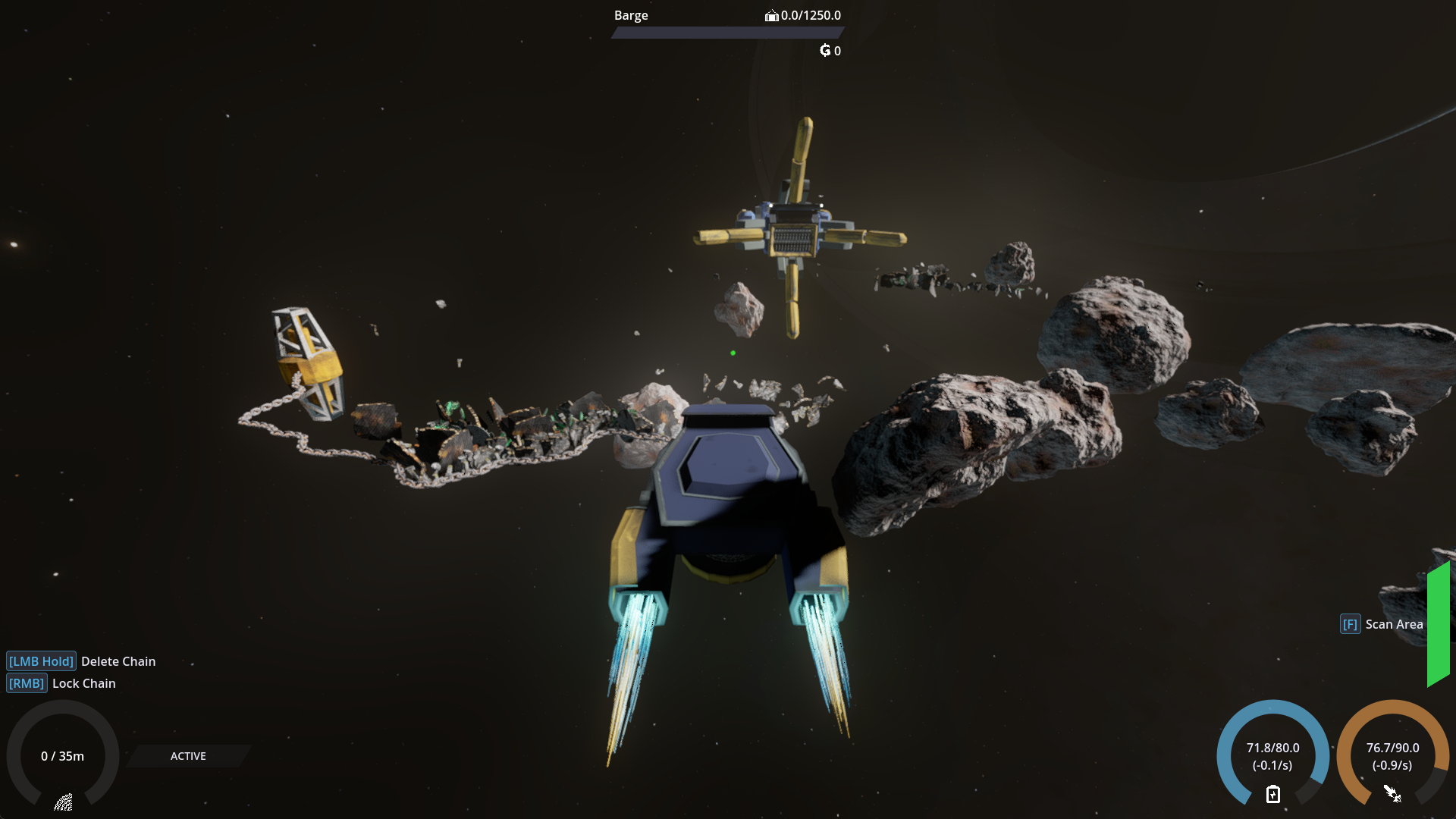
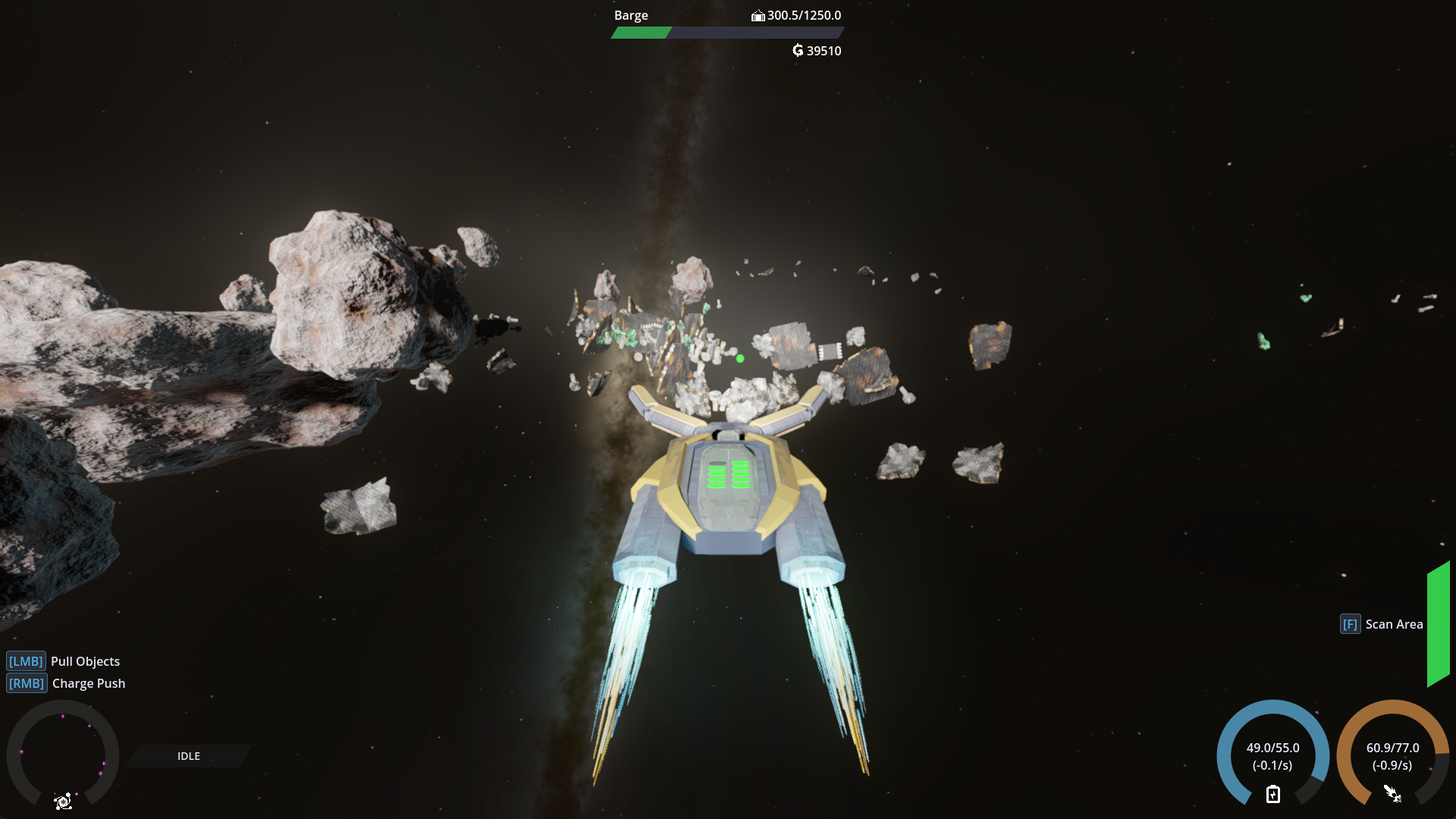
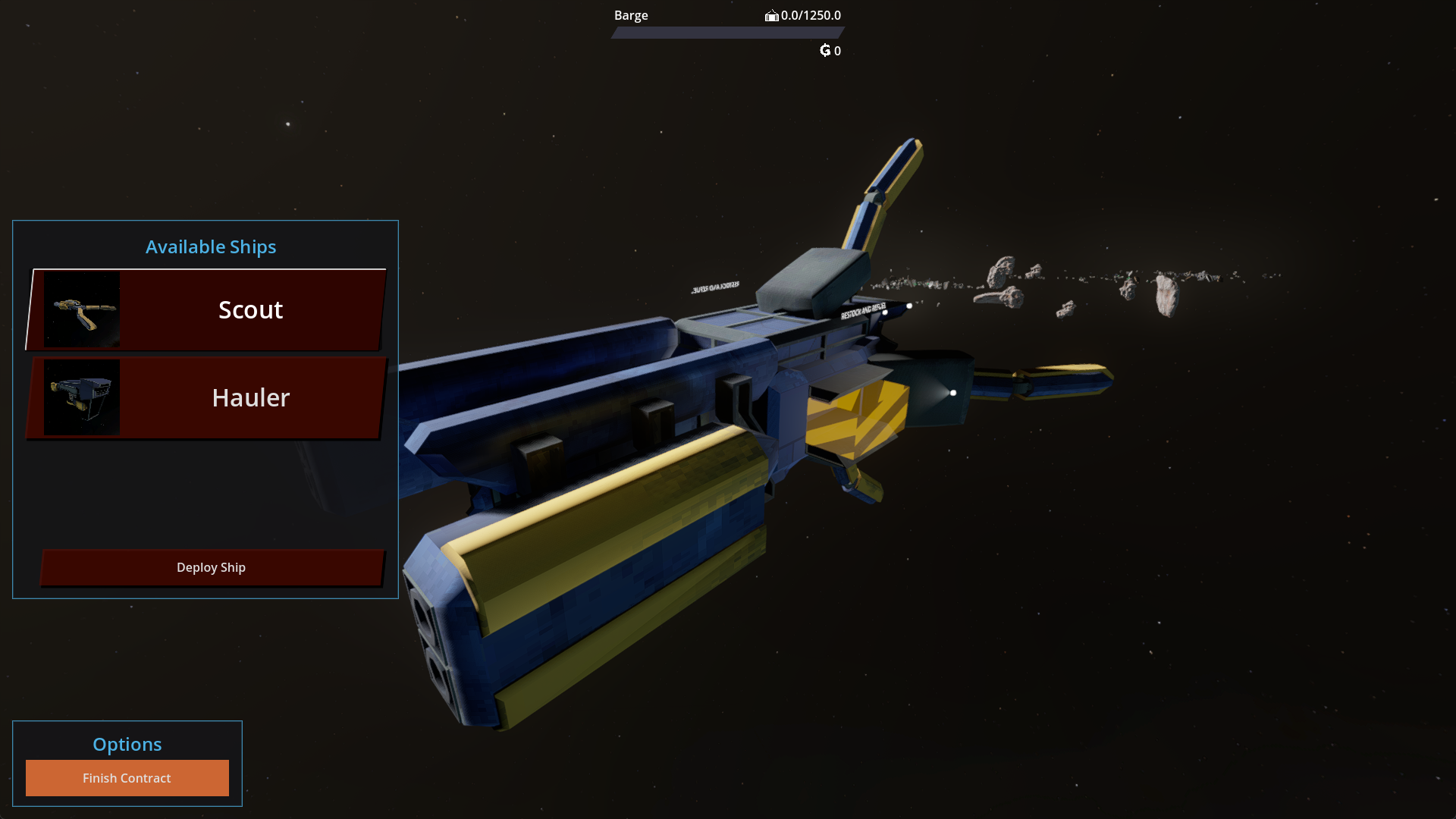
Pilot your junker drones through fields of debris, and use the tools at your disposal to bring the valuable salvage back to your barge.
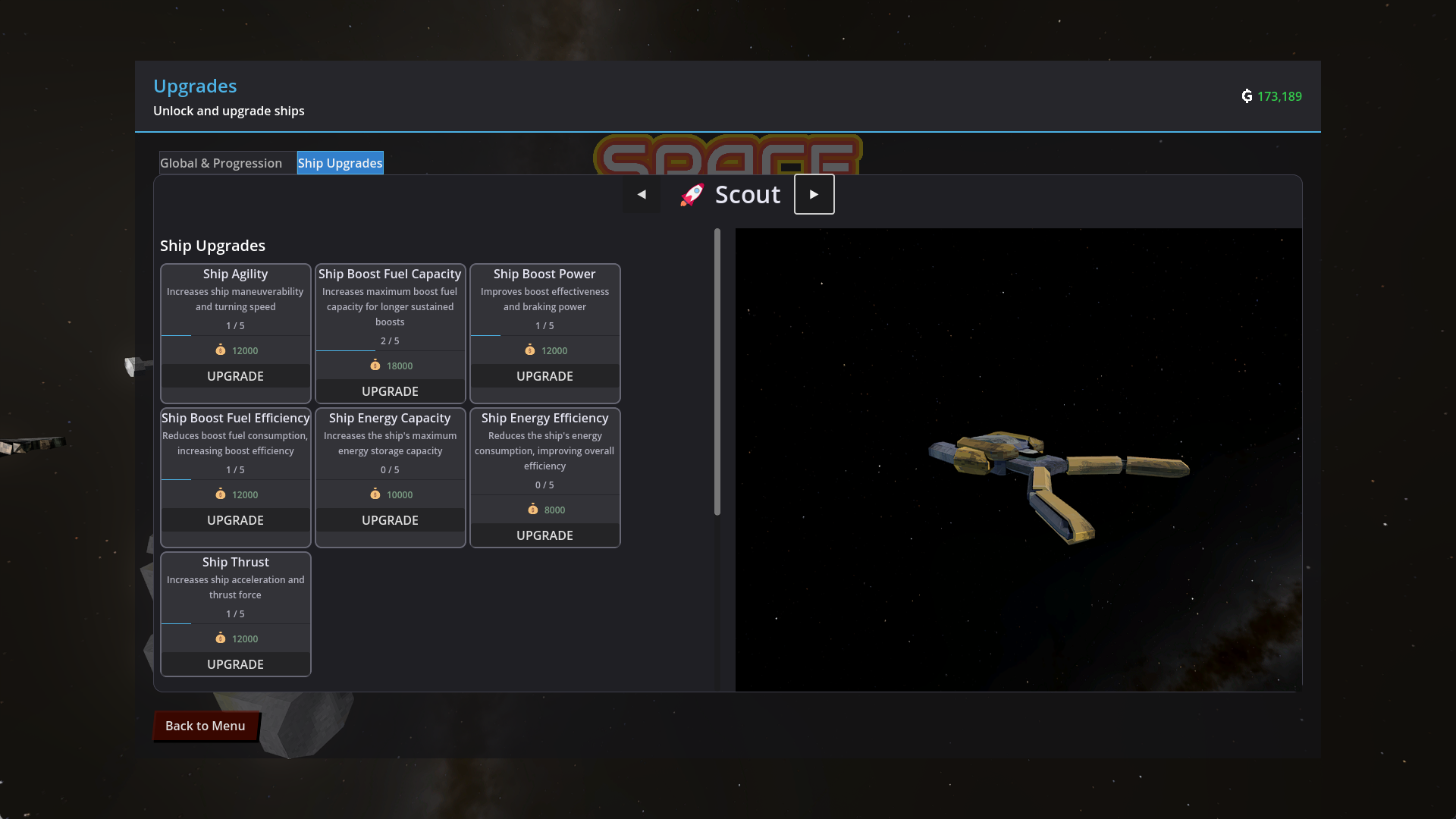
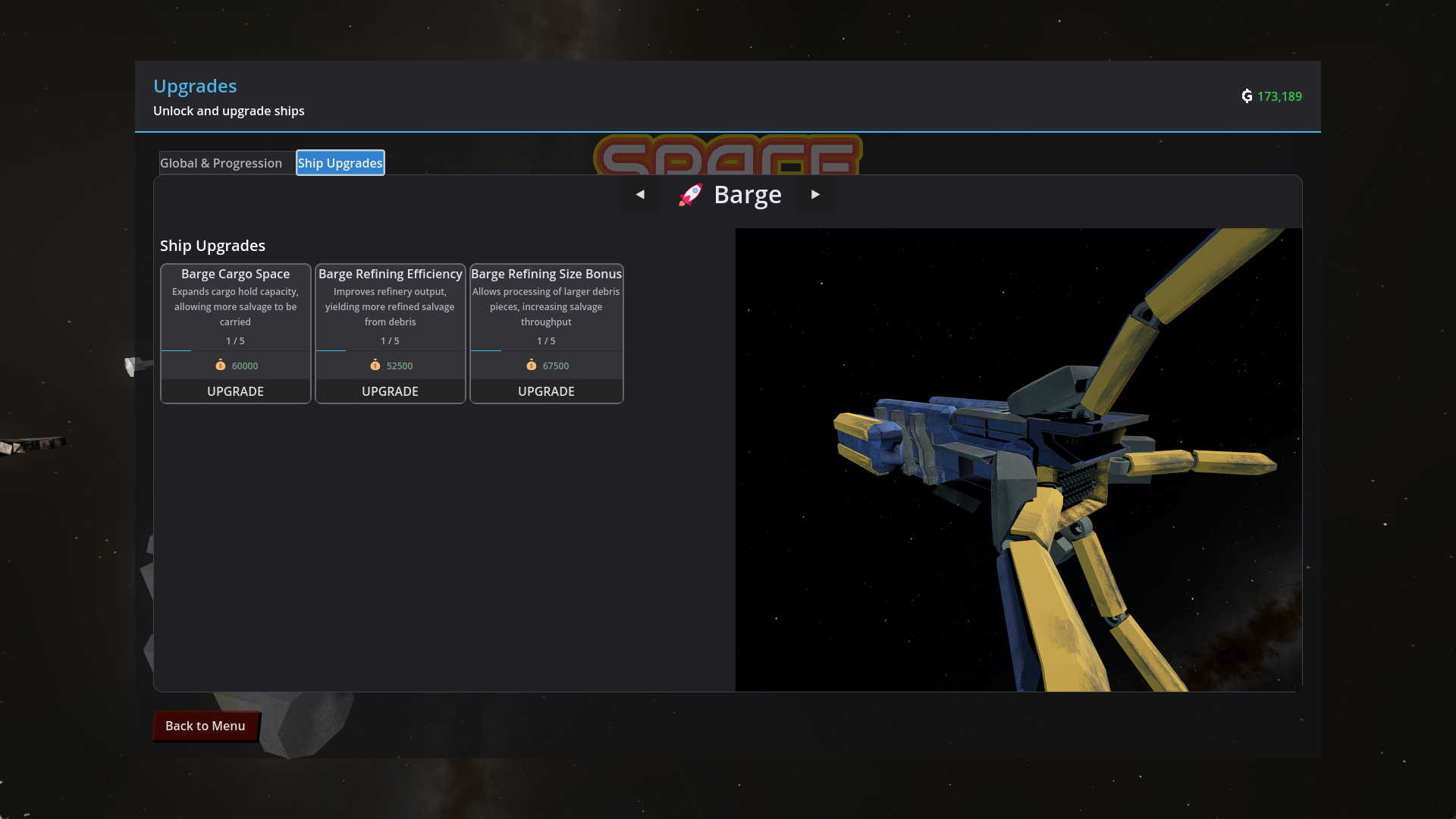
Upgrade your ships, unlock new contracts, and discover new and interesting tools to help you with your clean up missions.
Features
- Physics simulation: Push, pull, and slingshot piles of junk around in a zero-gravity environment.
- Progression and Upgrades: Unlock new ships, upgrade them, and get better at your job. Number go up!
- Chill gameplay: No lose scenarios, no timers, no frustrating mechanics, and a chill sound-track all come together for a chill, relaxing time.
Controls
Controller is fully supported, tested with XBox controller.
Movement: WASD / Left stick
Aiming: Mouse / Right stick
Primary Action: Left click / right bumper
Secondary Action: Right click / right bumper
Boost: Shift / Right trigger
Brake: Space / Left trigger
Scanner: F / Top button
Discord
Support
If you enjoy this or any of my other games, and would like to see them developed further, please consider donating!
I do however provide this game in it's current state completely free of charge and I hope you enjoy it.
AI Disclaimer
I am a software engineer with a decade of experience, and while the code in the project is predominantly mine, I use an AI assistant for some of my coding.
I use it to speed up the menial tasks and help with larger refactors that would either be too complicated to attempt or would require a massive time investment for little gain.
No other AI was used in this project, and all work is my own.
Download
Click download now to get access to the following files:
Comments
Log in with itch.io to leave a comment.
Hi! I have an Acer (2012) cpu i3 1.90H x2, 4G ram, 128M intel graphic, Linux-Mint xfce... It's working for that specs?
Really cool concept, chill vibes and relaxing gameplay. I like how the ships are different, and aren't a simple upgrade, you still need the first ship in later maps. Keen to see more maps!
Thanks for the lovely feedback, glad you enjoyed the game!
hey again, did some gaming for ya!
--start of report--
logs still give null reference errors-
ERROR: System.NullReferenceException: Object reference not set to an instance of an object.
at ContractGeneratorService.GenerateContractPool() in F:\Godot Projects\space-junker\scripts\services\ContractGeneratorService.cs:line 101
at GameStateManager.RefreshContractPool() in F:\Godot Projects\space-junker\scripts\autoload\GameStateManager.cs:line 71
at GameStateManager._Ready() in F:\Godot Projects\space-junker\scripts\autoload\GameStateManager.cs:line 54
at Godot.Node.InvokeGodotClassMethod(godot_string_name& method, NativeVariantPtrArgs args, godot_variant& ret)
at GameStateManager.InvokeGodotClassMethod(godot_string_name& method, NativeVariantPtrArgs args, godot_variant& ret) in F:\Godot Projects\space-junker\.godot\mono\temp\obj\ExportRelease\win-x64\Godot.SourceGenerators\Godot.SourceGenerators.ScriptMethodsGenerator\GameStateManager_ScriptMethods.generated.cs:line 108
at Godot.Bridge.CSharpInstanceBridge.Call(IntPtr godotObjectGCHandle, godot_string_name* method, godot_variant** args, Int32 argCount, godot_variant_call_error* refCallError, godot_variant* ret)
at: void Godot.NativeInterop.ExceptionUtils.LogException(System.Exception) (:0)
C# backtrace (most recent call first):
[0] void Godot.GD.PushError(string)
[1] void Godot.NativeInterop.ExceptionUtils.LogException(System.Exception)
[2] Godot.NativeInterop.godot_bool Godot.Bridge.CSharpInstanceBridge.Call(nint, Godot.NativeInterop.godot_string_name*, Godot.NativeInterop.godot_variant**, int, Godot.NativeInterop.godot_variant_call_error*, Godot.NativeInterop.godot_variant*)
on lag, audio will stutter. example: load into an area on a device that has a moderately strength cpu and a slow disk r/w speed
music has a bad loop
game window does not fit screen- see image
controls do not adapt to active controller- see image (the image is dark because I was paused)
on scan, game fills log with many repetitions of-
BaseToolUIComponent.UpdateFromToolData called on ScannerUIComponent
NotifyUIStateChanged from ScannerTool, subscriber count: 1
during me finding out how the gravwell works, my game froze for a moment. no errors in log.
gravwell also overfills log-
BaseToolUIComponent.UpdateFromToolData called on GravWellUIComponent
wasChargingPrev: True _isCharging: True gwData.IsPulling: False
NotifyUIStateChanged from GravWell, subscriber count: 2
GravWell: chargeLevel 0.20555557
when I first put scrap into the salvage ship, it loaded a bunch of code and froze my game for a moment-
Salvage Debug - Mass: 1.0kg (Small: True), ValuePerMass: 175, BaseValue: 175, EffectiveValue: 175, Efficiency: 100.0%
Salvage Debug - Mass: 1.0kg (Small: True), ValuePerMass: 75, BaseValue: 75, EffectiveValue: 75, Efficiency: 100.0%
Salvage Debug - Mass: 1.0kg (Small: True), ValuePerMass: 75, BaseValue: 75, EffectiveValue: 75, Efficiency: 100.0%
Salvage Debug - Mass: 1.0kg (Small: True), ValuePerMass: 75, BaseValue: 75, EffectiveValue: 75, Efficiency: 100.0%
Salvage Debug - Mass: 1.0kg (Small: True), ValuePerMass: 75, BaseValue: 75, EffectiveValue: 75, Efficiency: 100.0%
Salvage Debug - Mass: 1.0kg (Small: True), ValuePerMass: 75, BaseValue: 75, EffectiveValue: 75, Efficiency: 100.0%
Salvage Debug - Mass: 1.0kg (Small: True), ValuePerMass: 75, BaseValue: 75, EffectiveValue: 75, Efficiency: 100.0%
Salvage Debug - Mass: 1.0kg (Small: True), ValuePerMass: 75, BaseValue: 75, EffectiveValue: 75, Efficiency: 100.0%
Salvage Debug - Mass: 1.0kg (Small: True), ValuePerMass: 75, BaseValue: 75, EffectiveValue: 75, Efficiency: 100.0%
Salvage Debug - Mass: 1.0kg (Small: True), ValuePerMass: 75, BaseValue: 75, EffectiveValue: 75, Efficiency: 100.0%
Salvage Debug - Mass: 1.0kg (Small: True), ValuePerMass: 75, BaseValue: 75, EffectiveValue: 75, Efficiency: 100.0%
there is no tutorial :(
---end of report--
I had to stop here, as I was hungry and the laptop's battery was low. will continue later!
edit- also noticed that it uses Godot's icon for its icon
Logs aren’t a gameplay feature I’m not even sure why you’re seeing them. None of the logs are problematic or showing issues that are game breaking, they’re just debug logs. This discussion might best had in our discord.
run the game with terminal! (cd path/to/folder and ./game.exe)
also, you don't provide a discord link anywhere :p
since I'm not having many game-breaking bugs, I could give you some recommendations on how to make it better.
Happy to hear any feedback, I’ve just added the server to the description, here’s a link: https://discord.gg/cQnXFa7fVq
Awesome little space scrapping simulator game. Really chill game with no pressure, and a great progression system that really leaves you wanting 1 more round.
Love to hear it!
Wasn't able to get into the game (chromebook with no gpu trying to run linux which is not optimized for cpu) but I did catch some errors in the terminal for ya before it crashed!
I'll try again later once I get the replacement SSD for my PC (a windows update was put out that killed all SSDs of its type, yay...)
ERROR: System.NullReferenceException: Object reference not set to an instance of an object.
at ContractGeneratorService.GenerateContractPool() in F:\Godot Projects\space-junker\scripts\services\ContractGeneratorService.cs:line 101
at GameStateManager.RefreshContractPool() in F:\Godot Projects\space-junker\scripts\autoload\GameStateManager.cs:line 71
at GameStateManager._Ready() in F:\Godot Projects\space-junker\scripts\autoload\GameStateManager.cs:line 54
at Godot.Node.InvokeGodotClassMethod(godot_string_name& method, NativeVariantPtrArgs args, godot_variant& ret)
at GameStateManager.InvokeGodotClassMethod(godot_string_name& method, NativeVariantPtrArgs args, godot_variant& ret) in F:\Godot Projects\space-junker\.godot\mono\temp\obj\ExportRelease\linux-x64\Godot.SourceGenerators\Godot.SourceGenerators.ScriptMethodsGenerator\GameStateManager_ScriptMethods.generated.cs:line 108
at Godot.Bridge.CSharpInstanceBridge.Call(IntPtr godotObjectGCHandle, godot_string_name* method, godot_variant** args, Int32 argCount, godot_variant_call_error* refCallError, godot_variant* ret)
at: void Godot.NativeInterop.ExceptionUtils.LogException(System.Exception) (:0)
C# backtrace (most recent call first):
[0] void Godot.GD.PushError(string)
[1] void Godot.NativeInterop.ExceptionUtils.LogException(System.Exception)
[2] Godot.NativeInterop.godot_bool Godot.Bridge.CSharpInstanceBridge.Call(nint, Godot.NativeInterop.godot_string_name*, Godot.NativeInterop.godot_variant**, int, Godot.NativeInterop.godot_variant_call_error*, Godot.NativeInterop.godot_variant*)
the last few messages in the log before the crash were=== CHAINMANAGER _Ready() CALLED ===
[ChainManager] Initialized with world container
[ChainManager] Active chains: 0
[ChainManager] Chain states: 0
[ChainManager] Chain owners: 0
[SettingsManager] Registered settings provider: Audio
[AudioManager] Applied volume settings - Master: 0.50, SFX: 0.50, Music: 0.50, UI: 0.50
[SettingsManager] Applied loaded settings to provider: Audio
[VersionInfo] Found VERSION: 0.3.20
[VersionInfo] Found HASH: 8715e062
[MainMenu] Displaying version: v0.3.20 (8715e062)
LLVM ERROR: Cannot select: 0x7fa708e5ad18: v4f32 = scalar_to_vector 0x7fa708e5c0d0
0x7fa708e5c0d0: i32,ch = CopyFromReg 0x7fa708bd4118, Register:i32 %15
0x7fa708dfd8c0: i32 = Register %15
In function: texfunc_res_32_sam_32_20
Segmentation fault (core dumped)
Maybe the problem was the fact it immediately set shadows to high? idk I can barely code.Hi thank you so much for reporting the error and including your log! I’m sorry to hear about your PC. I’m going to look into this issue now and see if I can solve it, though even if I do I’m doubtful the game will run very well on your laptop. Maybe we can find out.
(I made this before you said about the graphics driver. can't update it anyways cause, y'know, chrome. imma see if I can run it on my old win laptop tommorow)
I don't really need to be able to run stuff on this thing, I'm mostly just messing around and seeing what it can do. After all, simply watching videos on Firefox makes this idle at ~60% CPU and 50℃, as well as glitchy windows and stutters (more below)
Hopefully windows restore will be able to get my PC back online once the replacement SSD comes, then I'll be glad to help you with error reporting 'cause this seems like a cool game.
More about Chromebook CX5501FE:
"Gaming" they made WASD red
Dual hinge! Now you can have the biggest of tablets!
Can't seem to enable screensaver
Lowest fan speed still is very audible
Such a hassle to install a bootable linux OS (I gave up lol)
Want to have a windowed app? say hi to hell:
I ran Polytrack on both firefox and chrome, side-by-side, and FF was running horribly while chrome was smooth
From what I can tell, the first error was unrelated, and it can actually recover from that, but the second error “LLVM ERROR” is a linux driver issue, and I doubt there’s anything I can do about it. Try updating your graphics drivers!
textures are borked, cant see ship, fuel station nor salvage
Hi thanks for letting me know about the issue, I’d love to be able to fix it. Could you give me some information on your computer, and include a screenshot of the issue? It would help to know your operating system, and details on your hardware to help narrow down the cause.
OS: Windows 11
CPU: AMD Ryzen 9 3900XT 12 core
RAM: 32GB
GPU: AMD Radeon RX 5700 XT
please let me know if you require more data and i will try to give it (i took these at the time of writing this)